
Review note
Old documentation, kept for review. This page is retold in the new docs: AI Integration.
AI Integration
Soterre BI Ops Analytics integrates with various AI providers to enhance and augment your development experience.
WARNING
AI Integration is available for Qlik Sense/Cloud.
TIP
Navigate to AskAI page for use cases and tutorials.
Configure AI Integration
Navigate to the Soterre BI Ops Analytics Options > find Integrations tab:
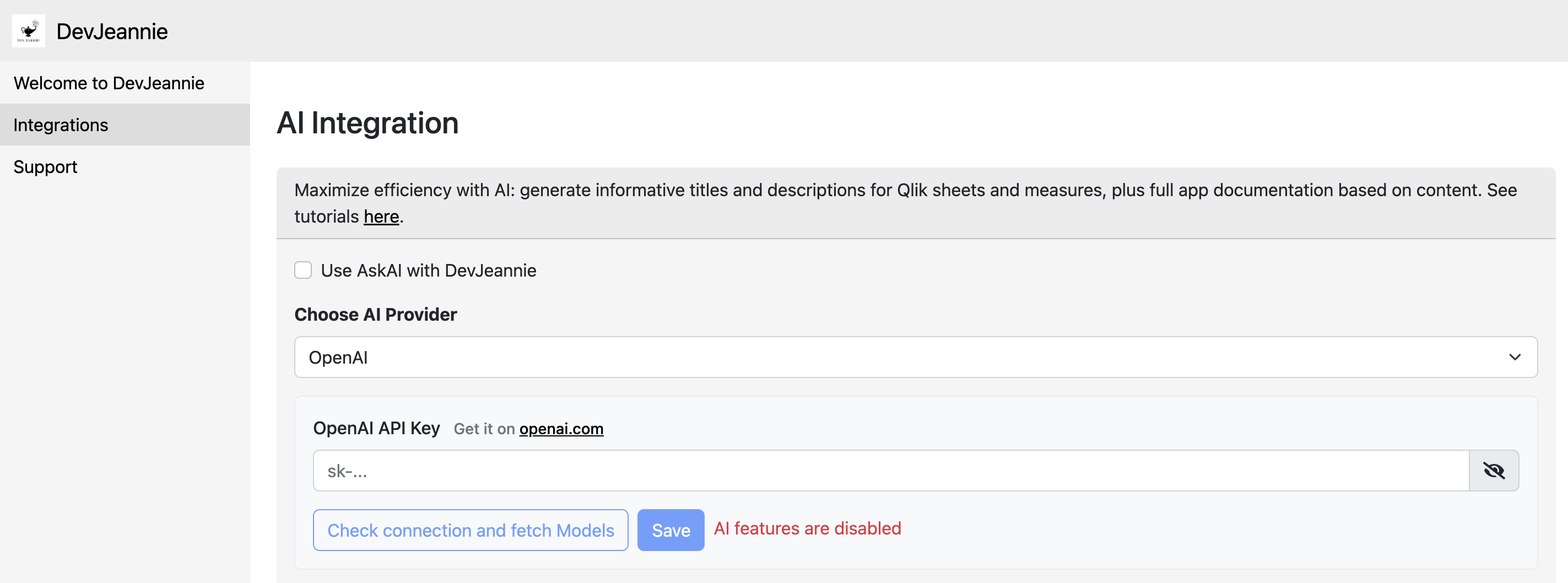
Soterre BI Ops Analytics Options: Integrations
Choose AI Provider
Enable Use AskAI with Soterre BI Ops Analytics and choose AI Provider from the list of available options:
- Open AI
- Google Gemini
- Claude AI

Soterre BI Ops Analytics Options: Integrations. Choose AI Provider
Input your API token and choose the model
Input your API key and click on Check connection and fetch Models . You may choose any model from a given provider from the dropdown below.
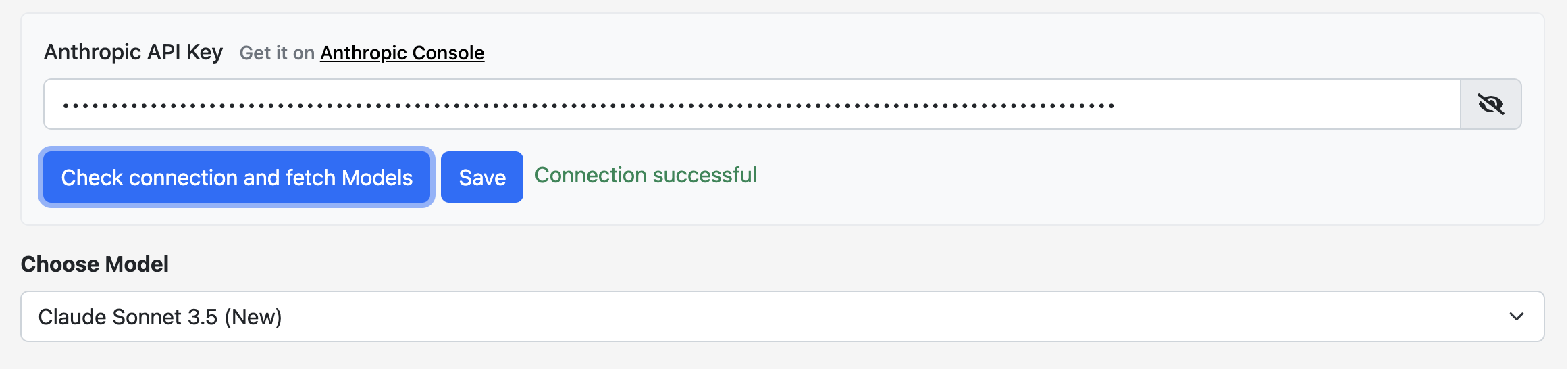
Soterre BI Ops Analytics Options: Integrations. Input API key
Click Save.
Prompt Options
Every request sent to AI from Soterre BI Ops Analytics can be validated if you choose to show confirmation window before clicking on AskAI button within Soterre BI Ops Analytics. If you don't want to review the request, select Do not show confirmation window before sending data to AI provider .
Prompt Options reveals all default prompts set within Soterre BI Ops Analytics for a variety of Ask AI use cases. You can change any prompt to satisfy your specific requirements and click Save.
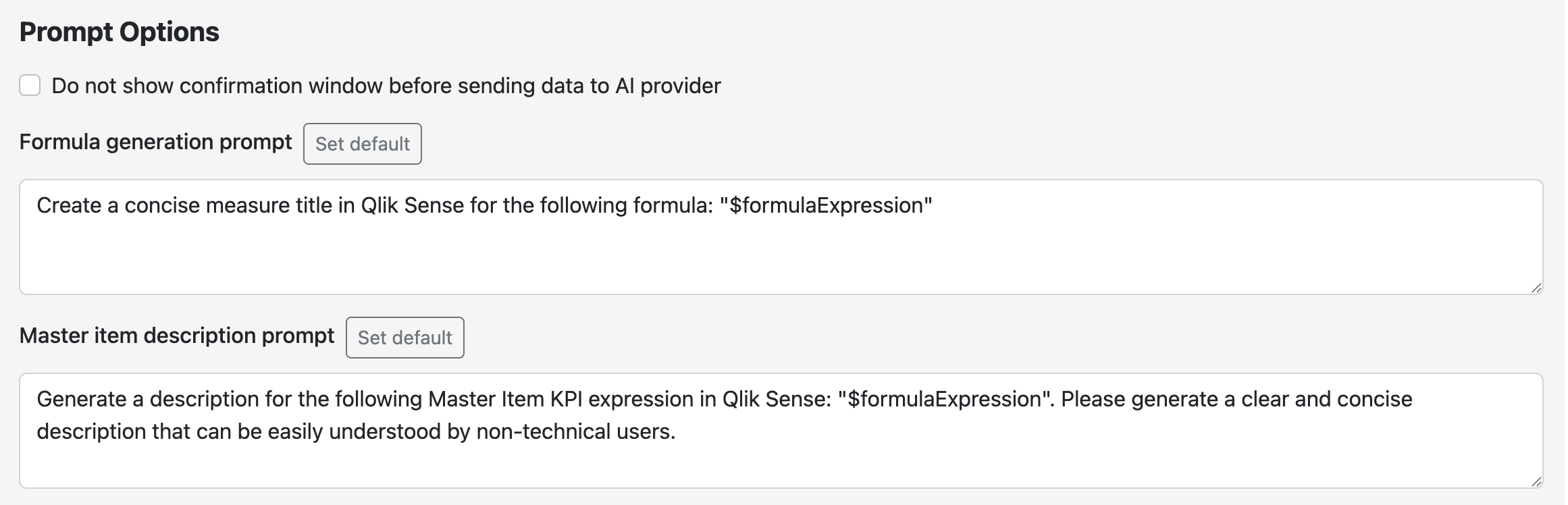

Soterre BI Ops Analytics Options: Integrations. Prompt Options