
Pre-deployment Checklist
The Pre-deployment Checklist is a list of things to verify before an app or a report goes to production: data model hygiene, visualization performance, naming, documentation. The extension ships a default checklist for Qlik and one for Power BI, plus checklists shared by the community — and you can write your own.
It needs no Soterre connection; it works wherever the extension's main UI opens.
Open it
- Popup or side panel → Tools → Pre-deployment Checklist.
- The Pre-deployment Checklist button the Helper adds to the app overview, next to the Sheets / Bookmarks / Stories tabs.
- Extension icon menu → Tools → Pre-deployment Checklist (opens the side panel).
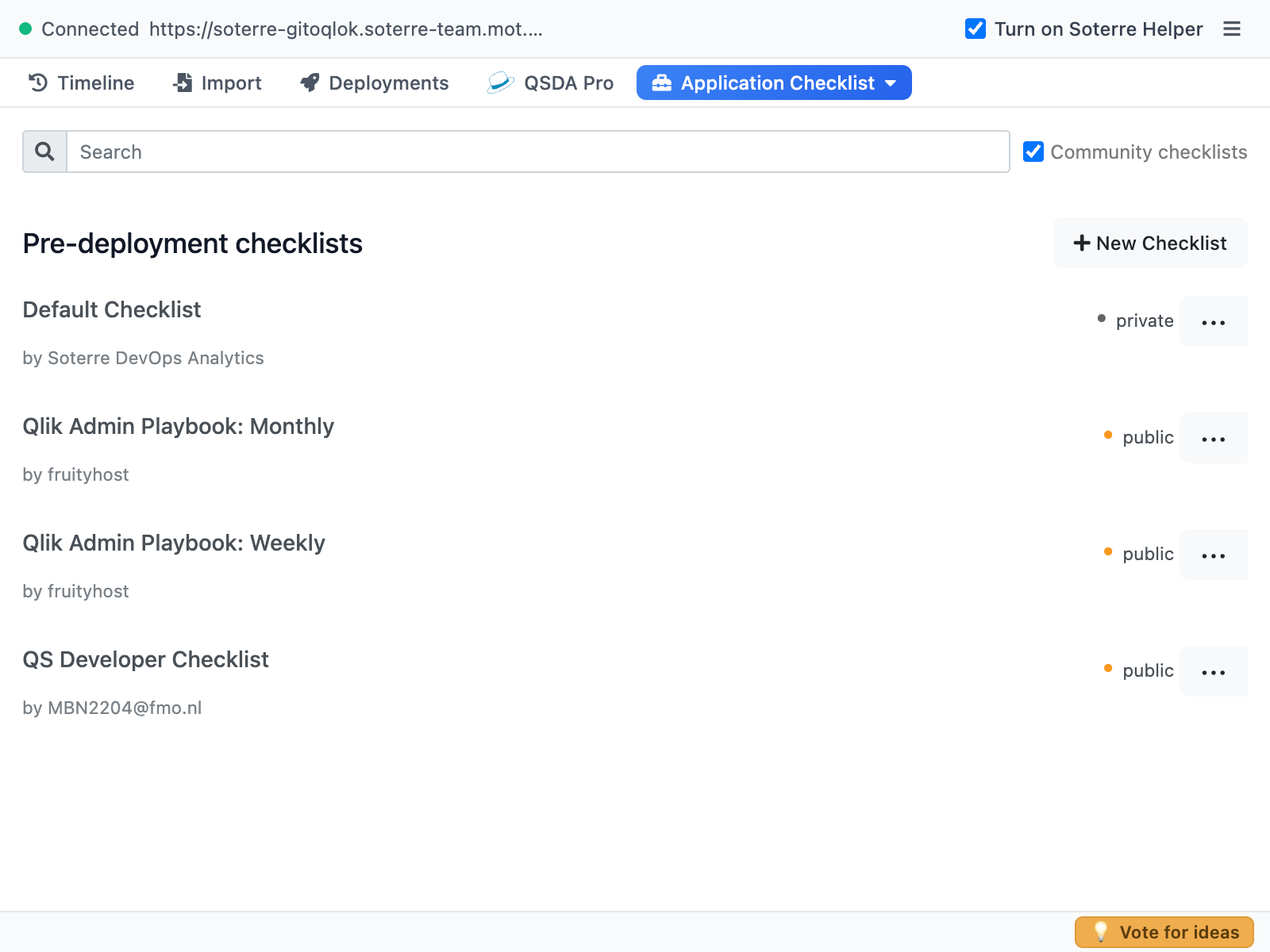
QSDA Pro check-ups
A section can carry a QSDA Pro performance check-up: with the QSDA Pro integration configured, opening the section runs the analysis on the app and reports its findings inside the checklist.
Publish from the checklist
When every item is done, use Publish App from the extension header to publish the app to a stream or space. Qlik Cloud sheets tagged Public in the Tags Manager but still private are listed first, so you do not publish an app with half its sheets hidden.
Open it
- Popup or side panel on a report → Tools → Pre-deployment Checklist.
- The Pre-deployment Checklist button the Helper adds in the report editor.
- Extension icon menu → Tools → Pre-deployment Checklist (opens the side panel).
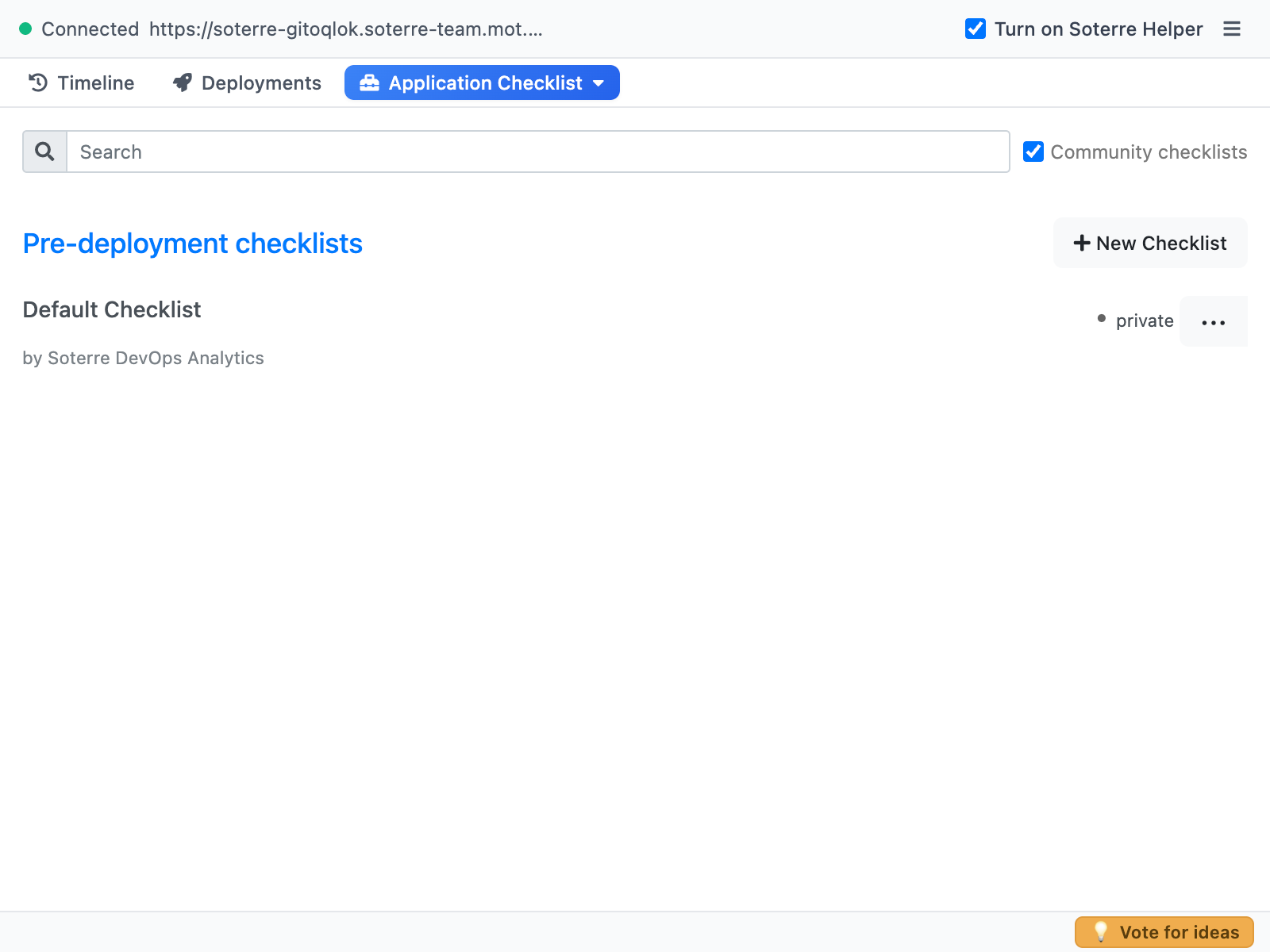
The checklist list on a report — the same UI as in Qlik, with the report's own check marks
What is different
- The Default Checklist you see on a report is the Power BI one — the extension ships a separate default for each platform, so the items match what you can actually check on a report.
- QSDA Pro check-ups are a Qlik-only analysis, so sections that carry one stay empty on a report.
- There is no Publish App step: publishing a Power BI report is a workspace operation — use Deployments to promote it instead.
Use a checklist
The landing page lists Pre-deployment checklists: the Default Checklist and, with Community checklists ticked, checklists shared publicly by other users. Search by name.
Open a checklist. It is organised as Section → Item → Description; tick items as you verify them, and a section turns green when all its items are done. Links in descriptions open with Ctrl + click. The check marks are stored per app or report, so you can close the popup and continue later, and two artifacts never share their progress.
Create your own
Click + New Checklist. Give it a name, add sections and items with concise names and helpful descriptions, drag sections to reorder, optionally add the QSDA Pro check-up, and click Save. The checklist is private — visible to you only. ⋯ → Duplicate and edit turns any existing checklist, including the two defaults, into a template.
Share, edit, delete
⋯ → Share publishes the checklist to Everyone. Open your checklist, click Edit, change it and Save; Delete removes it.