
Review note
Old documentation, kept for review. This page is retold in the new docs: QSDA Pro Integration.
QSDA Pro connection
QSDA Pro is a document analyzer tool, which helps to identify performance issues and enhance the performance for Qlik Sense users, embed testing in your deployment process, declutter your environment, and implement leading-edge design principles to Qlik development.
https://help.easyqlik.com/qsda/index.htm?context=220
INFO
QSDA Pro Integration is available for Qlik Sense/Cloud.
Configure QSDA Pro connection
Navigate to the Soterre BI Ops Analytics Options > find Integrations tab:
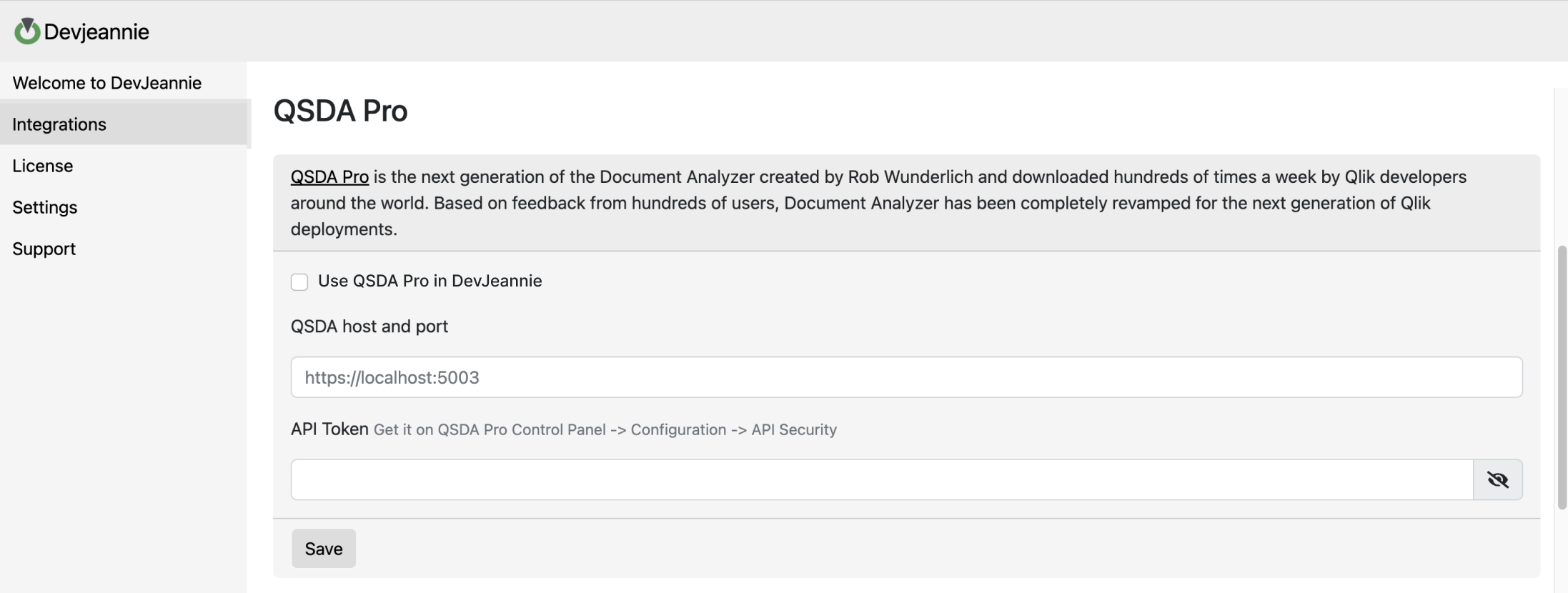
Soterre BI Ops Analytics Options: Integrations
Input your QSDA Pro API token
Enable the "Use QSDA Pro in Soterre BI Ops Analytics" checkbox and input your QSDA Pro host and port along with an API token. Click Save.