
Review note
Old documentation, kept for review. This page is retold in the new docs: Dark Theme.
Dark Theme
Dark Theme mode switches off the light in your Data Load Editor.
INFO
Available for Qlik Sense/Cloud (load script).
TIP
Make sure to have Soterre Helper turned on.
Find Dark Theme
Proceed to the Data Load Editor > Toggle Theme
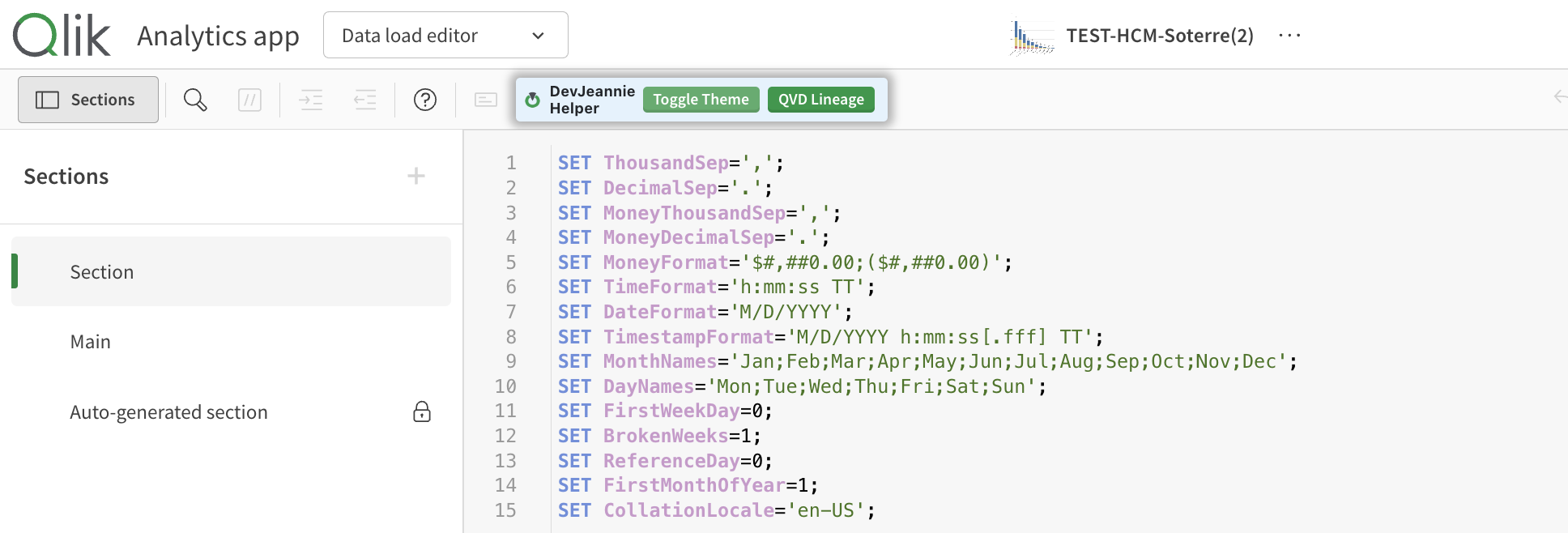
Toggle Theme in Data Load Editor
Turn off the light
Click on Toggle Theme in Soterre Helper to switch to dark mode.
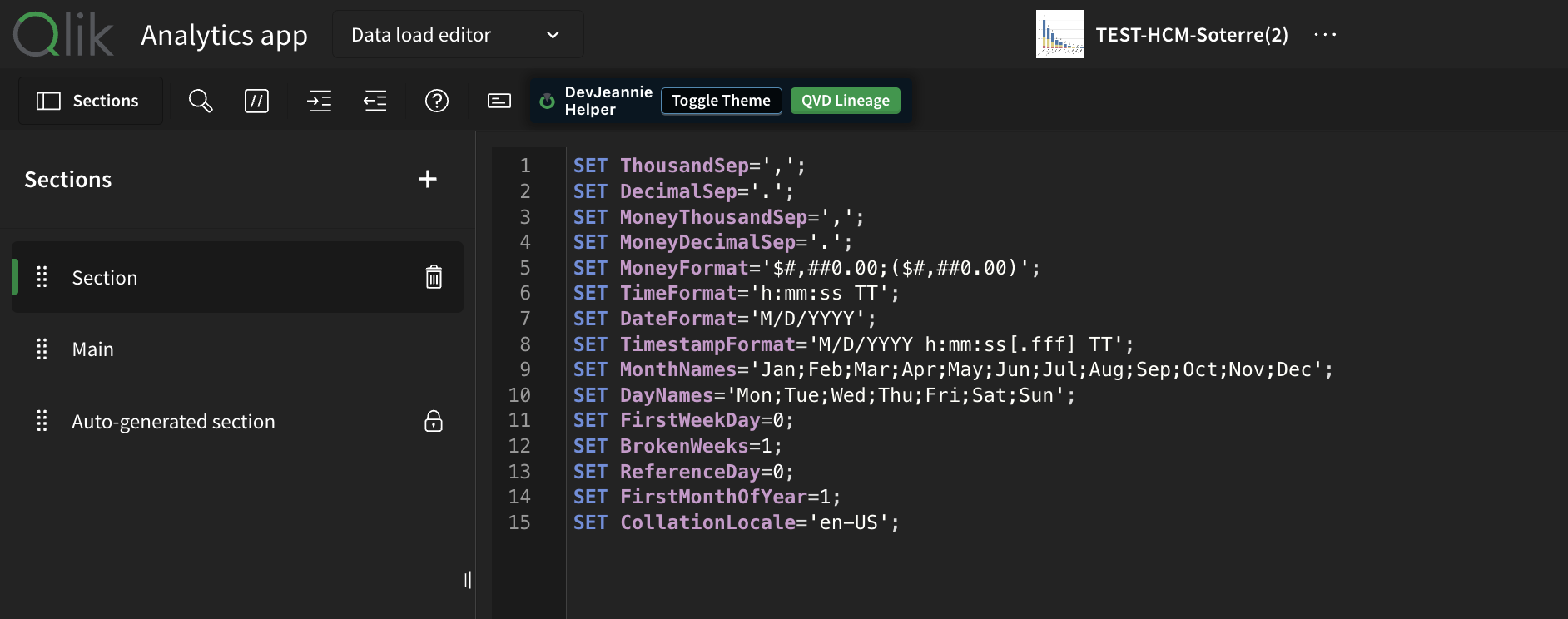
Turn off the light in Data Load Editor