
Review note
Old documentation, kept for review. This page is retold in the new docs: Time Machine.
Time Machine
Time Machine is a handy tool to travel back and forth between different app versions and explore the changes interactively.
INFO
Available for Qlik Sense/Cloud (sheets).
Find the BI helper's Time Machine
Qlik Sheets
Navigate to the sheets menu > click on the three dot icon in a sheet display window to see the Soterre Helper buttons. Select Time Machine:
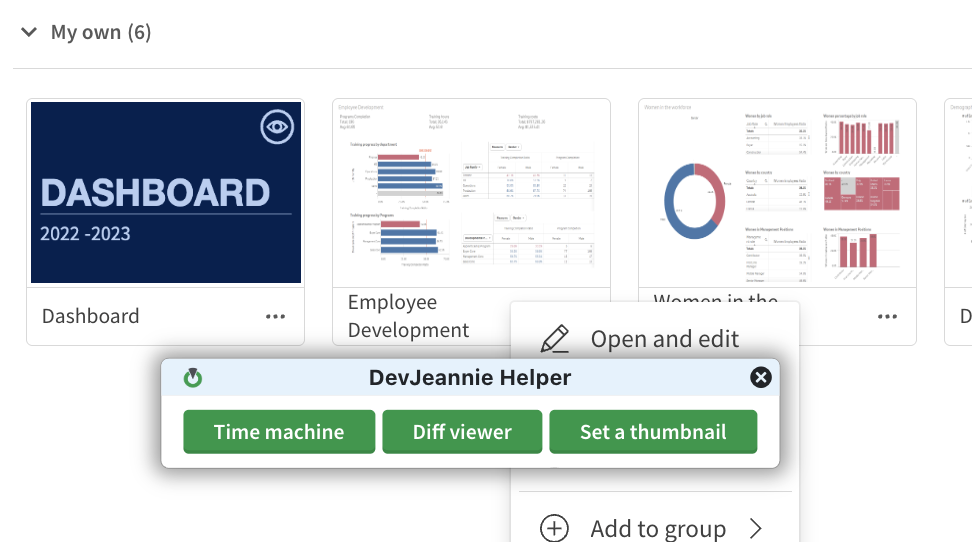
Time Machine in Soterre Helper
Explore the version timeline
At the top of your page, you can explore the version history and travel back and forth to see how your sheet version was changed interactively:
Apply version
After selecting the version you want to stay on from the timeline, find the Apply Version button at the top right of your screen. This action will transfer you back to the selected app version and you will exit the Time Machine mode.
